
 "
"
Hi everyone,
Anyone who has tried OPNsense on a Sophos XGS knows how it goes: it installs, it boots, and there isn't a single network port to assign. That's where I started too. The reason is that these boxes are two computers in one case. The x86 board runs the firewall, and every front port hangs off a Marvell coprocessor sitting behind a PCIe link. Sophos only has drivers for its own OS.
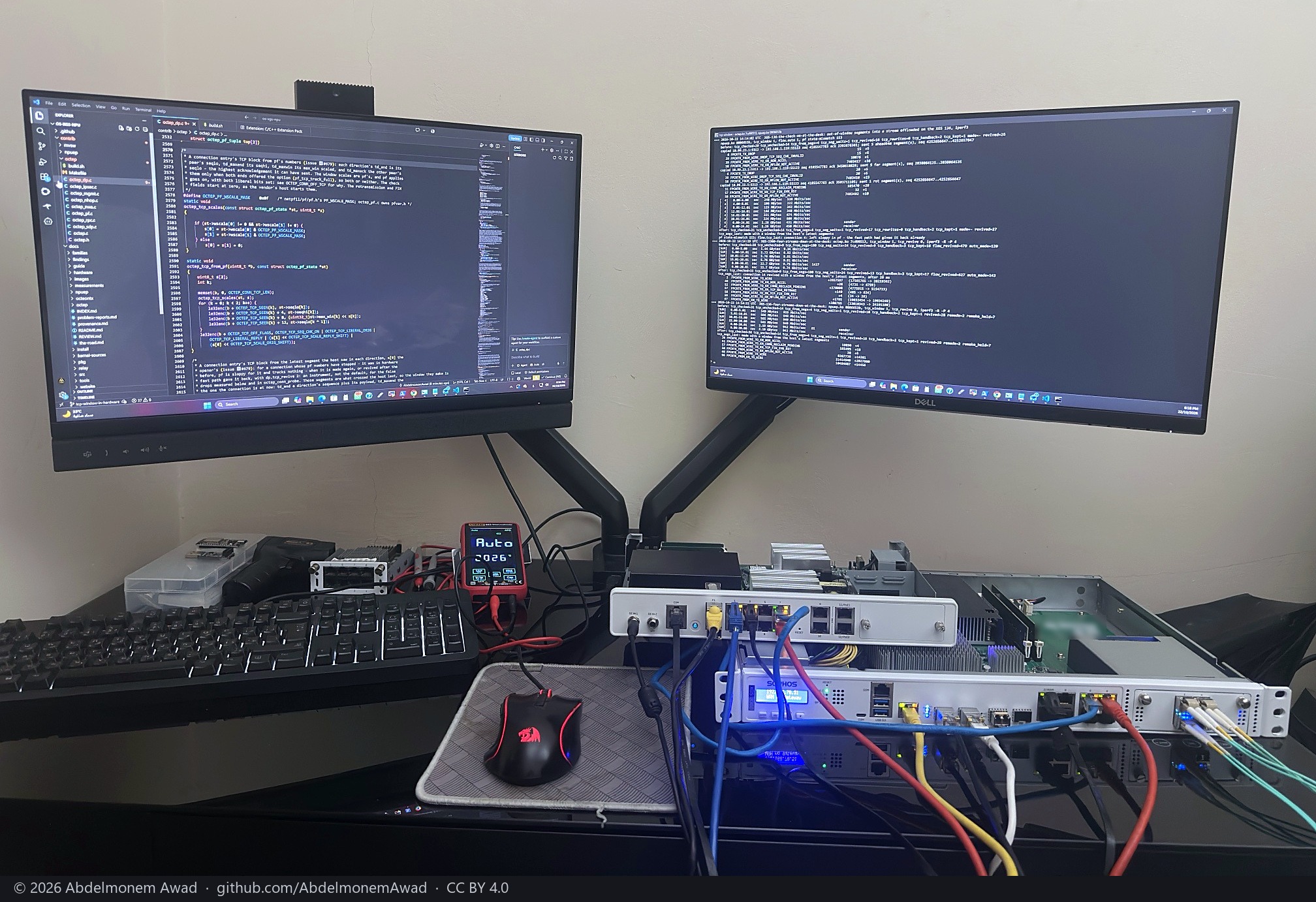
I've been at this for close to two years now, first just figuring out how the two halves talk to each other, then writing FreeBSD drivers for the coprocessor and an OPNsense plugin around them. It's finally at the point where I'm comfortable showing it.
On my two boxes:
- XGS 3300 (Cavium OCTEON TX): all 12 front ports, plus the 4x10G expansion module
- XGS 136 (Marvell ARMADA): all 14 front ports
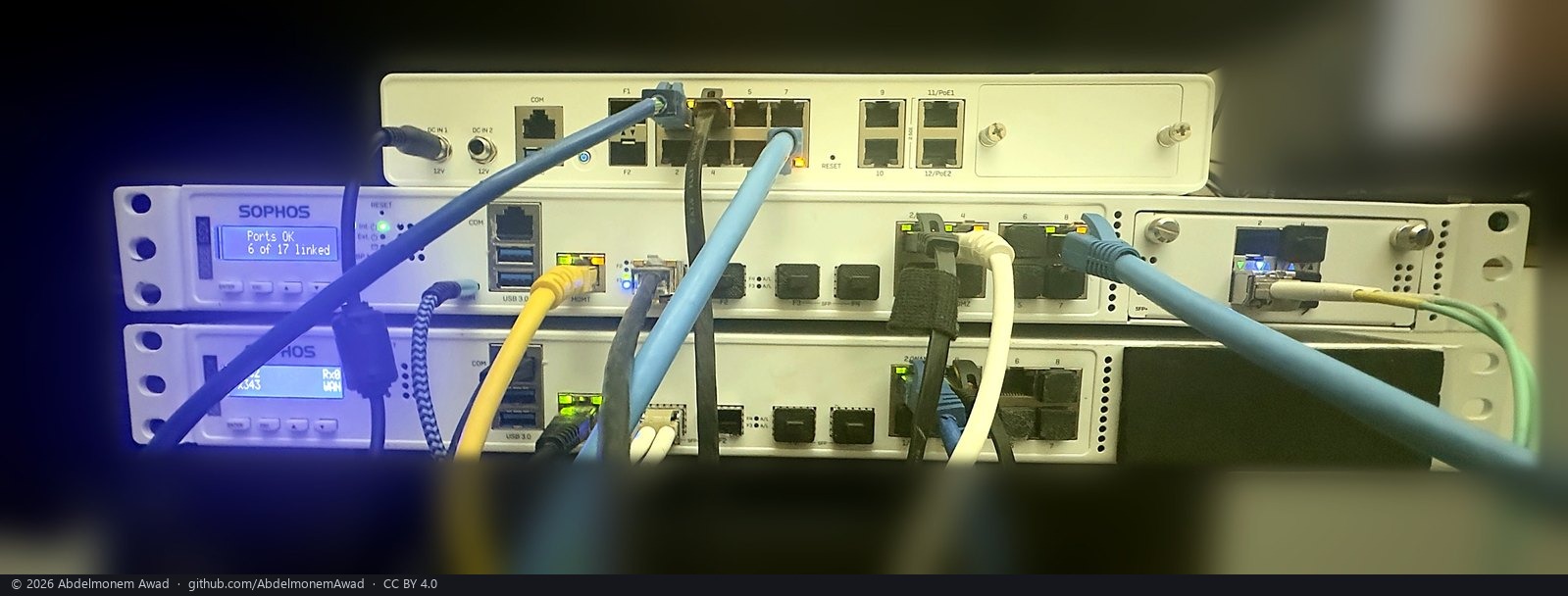
The part I'm happiest with is the offload. Once pf has passed a connection, the coprocessor forwards it on its own, and IPsec set up by strongSwan runs on the coprocessor's crypto engine (IPv6 and ESN included). pf stays in charge, so a block list, a JA4 fingerprint on a list or an IPsec policy that starts covering the traffic will still cut a connection that's already in hardware.
A few numbers from the bench. Every one of them has a page with how it was measured and a photo of the run:
- 9,837 Mbit/s through an XGS 3300 with 1,032 connections in hardware, CPUs at 7.8 %
- 16 IPsec tunnels between two 3300s, 9,019 Mbit/s together
- the XGS 136 doing a gigabit in hardware with its CPUs at 0.4 %
- 3,186 GiB of TLS through both boxes without a single byte changed
The other models in the two families (XGS 87, 107, 116, 126, 138, 2100, 2300, 3100) will install, but I don't own any of them, so they're marked as untested and check their own ports on first boot. Someone is trying it on an XGS 126 right now. If you have one of these sitting around, I'd really like to hear how it goes. There's a short form on the site for that.
Before you try it: it's alpha (0.1.0-alpha.5.4) and needs OPNsense 26.7, and you'll be wiping the Sophos firmware. The easiest route is the image builder. The image has everything the driver needs, so the ports come up on first boot without internet. Installing on top of a running OPNsense works as well, but the box needs its kernel sources first, because without the driver you have no ports. The docs walk through it.
One more thing I'd rather say up front: by default it sends problem reports and a once-a-day count of the appliance. They're scrubbed of anything that identifies the box or your network, there's a banner about it until you choose, and the same page lets you set reports to manual or turn both off.
Site and docs: https://npuforge.org
All the models with their ports drawn: https://npuforge.org/devices/
Image builder (runs in your own GitHub fork): https://build.npuforge.org
Source, BSD-2-Clause: https://github.com/AbdelmonemAwad/os-xgs-npu
This is a personal, independent project. It has nothing to do with Sophos or Deciso and doesn't ship any Sophos software. Questions are welcome, I'll be around.

