Menu

Show posts

This section allows you to view all posts made by this member. Note that you can only see posts made in areas you currently have access to.

Show posts Menu

Topics - Massimo1993

#1
Hello all,

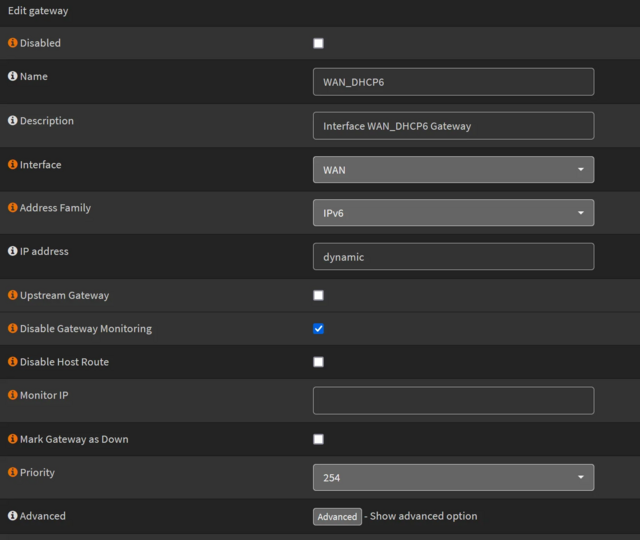
I'm trying to configure my opnsense router for Digi with IPV6

Strangely enough it works on my desktop PC, but even when using a different PC with the same cable it doesn't work.

Also on https://test-ipv6.com/ i don't have an ipv6


This are my settings:

Interfaces: [LAN]

IPv4 Configuration Type: Static IPV4

IPv6 Configuration Type: Track interface

IPv4 address: 192.168.1.1

IPv4 Upstream Gateway: Auto-Detect

IPv6 Interface: WAN

IPv6 Prefix ID: 0


Interfaces: [WAN]

IPv4 Configuration Type PPPoE

IPv6 Configuration Type: DHPCv6

Configuration Mode: Basic

Request only an IPv6 prefix : X

Prefix delegation size: 64

Send IPv6 prefix hint: X

Use IPv4 connectivity: X


#2
Hi, i'm trying to do a SFTP certificate transmission on my Sinology but every time i get this:
Host does not permit a connection for the specified user & identity.

{ "actions": [ "connecting" ], "success": false, "permission_denied": true, "error": "MyUsername@192.168.0.7: Permission denied (publickey,password).", "connect_failed": true }


If i try to access instad with ssh from my router with ssh -v MyUsername@192.168.0.7 everything it's working fine.

My configuration are:
SFTP Host : 192.168.0.7

Username : MyUsername

Identity Type : RSA

Remote Path : /


Thanks for your help and time.

Edit: apparently the problem resides in the rsa key i've used. The actual rsa key is located at /var/etc/acme-client/sftp-config/id.rsa.pub
#3
I've tried the new DNS over TLS function present in Miscelaneous but with 1.1.1.1@853 and 1.0.0.1@853 it doesn't work, there is no request on the 853 port and everything in port 53 is clear.

Then i've tried to use this custom config that should work but still same thing, no DNS over TLS and nothing on 853
server:
  minimal-responses: yes
  qname-minimisation: yes
  rrset-roundrobin: yes
  use-caps-for-id: yes
  tls-cert-bundle: /etc/ssl/cert.pem

forward-zone:
  name: "."
  forward-addr: 1.1.1.1@853
  forward-addr: 1.0.0.1@853
  forward-ssl-upstream: yes


Here there are my settings https://postimg.cc/gallery/fM2mBRh i've also disabled the rewrite of DNS in general config.
#4
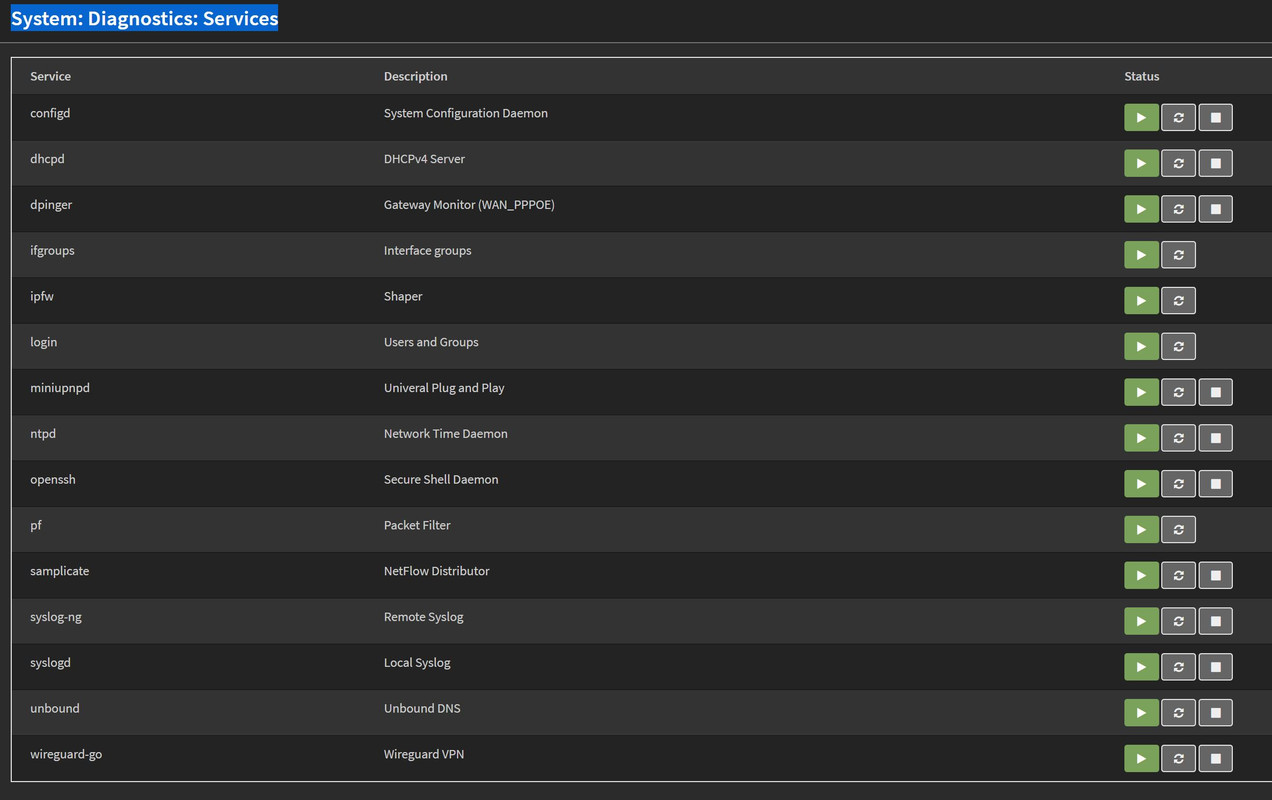
Hi, i wanted to know how i can add a service to the diagnostic service list in the frontend.
I've created the rc.d script and the action config file but it won't appear.


action_node-red.conf
[start]
command:/usr/local/etc/rc.d/node-red start
parameters:
type:script
message:starting node-red
[restart]
command:/usr/local/etc/rc.d/node-red restart
parameters:
type:script
message:restarting node-red
[stop]
command:/usr/local/etc/rc.d/node-red stop
parameters:
type:script
message:stopping node-red


#5
General Discussion / No hope for mosquitto?
February 21, 2020, 09:39:16 PM
Hi, i wanted to know if there will be a possibility to get mosquitto on future versions of opnsense like it was on old versions.
Thanks.
#6
Hi, sorry to bother but strangely i can't load some webpage app like amazon or aliexpress.
I've tried multiple AP with no results, just with a VPN i succeded but just on UDP, if i use a TCP connection it keep not working.
Both the amazon site and aliexpress one load just fine, it's just those apps that aren't working.
I've tried the developer version of opnsense and it has still the same problem.
I've tried multiple dns (opendns, google, cloudflare) but still the same problem.

I use a x86 mini pc with 6 intel nic. I did create a bridge following this guide
I'm currently using a pppoe connection and I've moved the wan on the first interface.

Can't really undestand why it's doing so. Everything else it's working just fine.